Downloads
Download the Drakoria Launcher and start playing Drakoria 8.0.
Drakoria Launcher (Recommended)

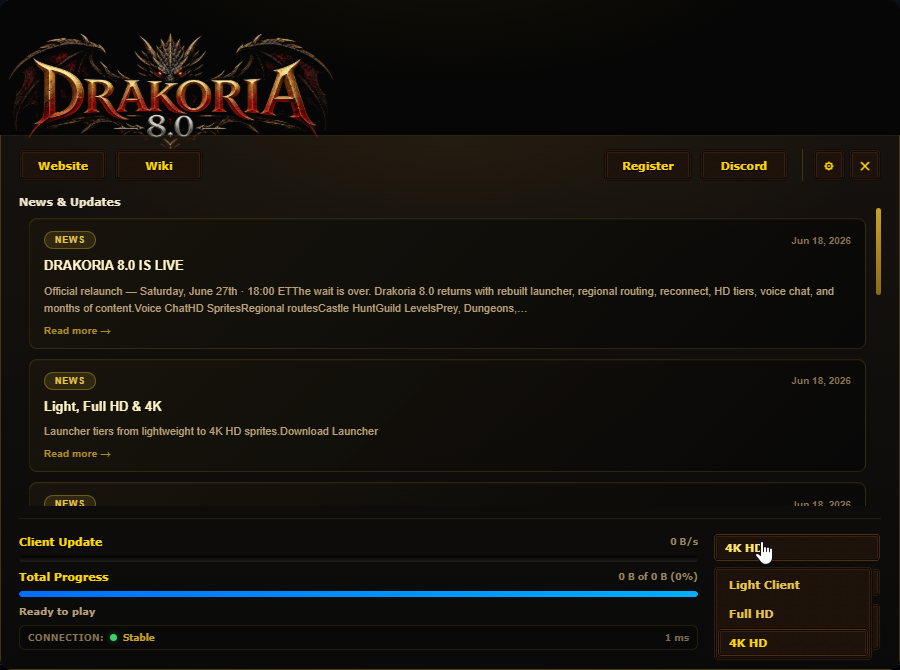
Auto-updater for the client: downloads only new or changed files from Cloudflare R2, removes outdated files, shows Discord news, and lets you pick OpenGL or DirectX before playing.
Download Drakoria Launcher (Windows)
Download Drakoria Launcher Zipped (Option 2)
Option 2 is a ZIP of the same latest launcher if the installer download fails.
How to play
- Download and install the Drakoria Launcher.
- Open it — the client will sync automatically on first run.
- Create your account on the website.
- Press Play in the launcher and log in.
Extra downloads
2D World Minimap
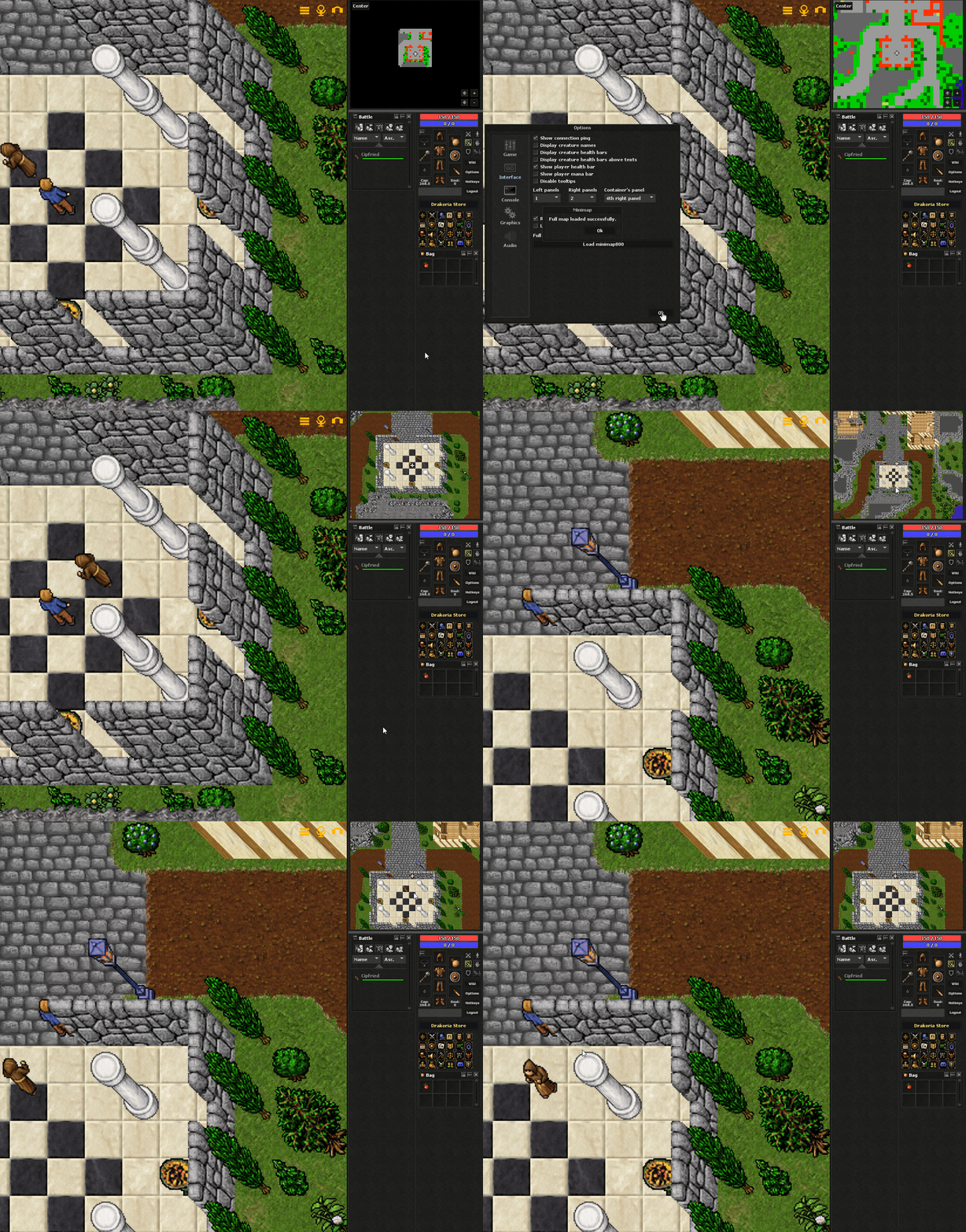
Chart the realms of Drakoria from above — floors, markers, and live navigation across the full world map.
How to activate
- In the Drakoria Launcher, download the Full HD or 4K client pack (Light Client does not include the world map data).
- Wait until the sync finishes, then press Play and log in.
- In-game, press Ctrl+M to toggle the 2D World Minimap.
Tip: Ctrl+M switches between the classic explored minimap and the full 2D world map. If nothing happens, make sure Full HD or 4K finished downloading in the launcher, then restart the client.
HD Sprites